
All Cursor Packs
Browse our full collection of custom cursors. Find your next favorite style and install it for free.
 Devil Tom cursorMeet the custom cursor with Tom from Tom & Jerry cartoon in a Tom and Jerry custom cursors collection for mouse and pointers.
 Angry Jerry cursorSpice up your cursor collection with the incredible Tom and Jerry custom cursors, and say goodbye to boring cursors forever.
 Jerry cursorOur custom cursor featuring Jerry Mouse for Chrome captures his thoughtful mood.
 Zombie Batman cursorZombie Batman custom cursor for the mouse with the monstrous Batman hovers in our incredible DC cursors collection for Chrome.
 The Avengers cursorThe Avengers custom cursor for Google Chrome lets fans bring their favorite superheroes to life. Personalize your browsing experience with these iconic cursors.
 Black Widow cursorTransform your browsing with a custom cursor for Google Chrome featuring Black Widow from Marvel. Add her superhero power and elegance to your screen today.
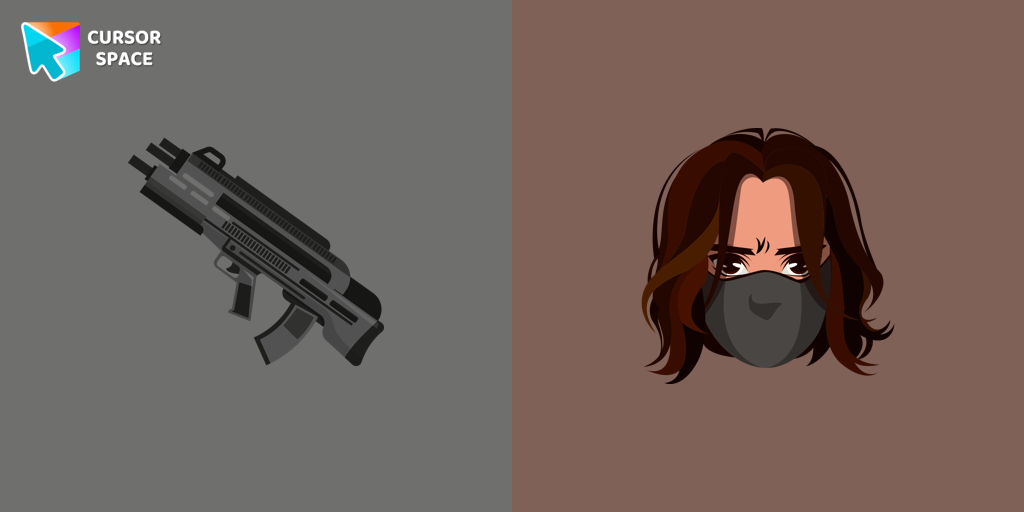 Winter Soldier cursorAdd the Winter Soldier custom cursor for Google Chrome and bring a touch of mystery to your screen. Perfect for fans of the Marvel universe.
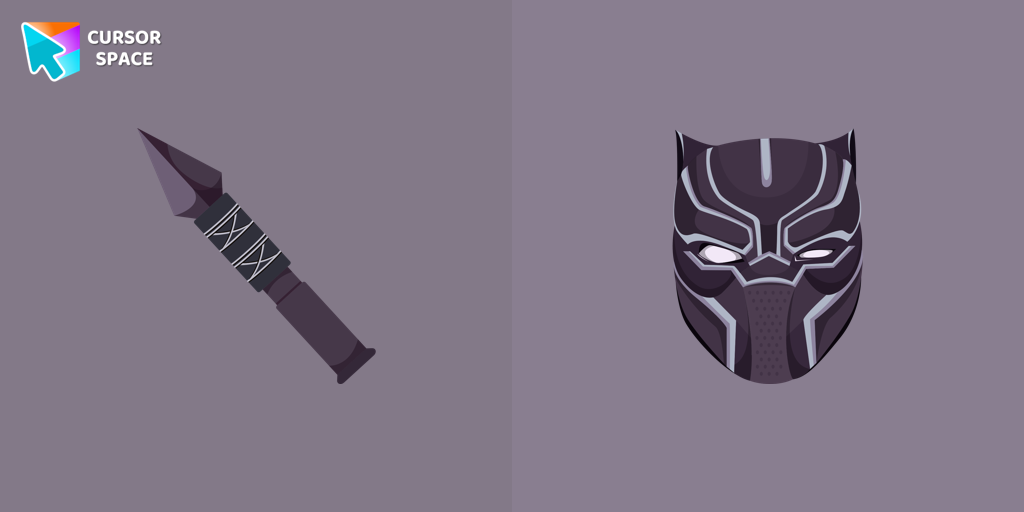 Black Panther cursorJoin T'Challa, the Black Panther, with our custom cursor for Google Chrome. Navigate your tabs quickly and stylishly with these Marvel-inspired cursors.
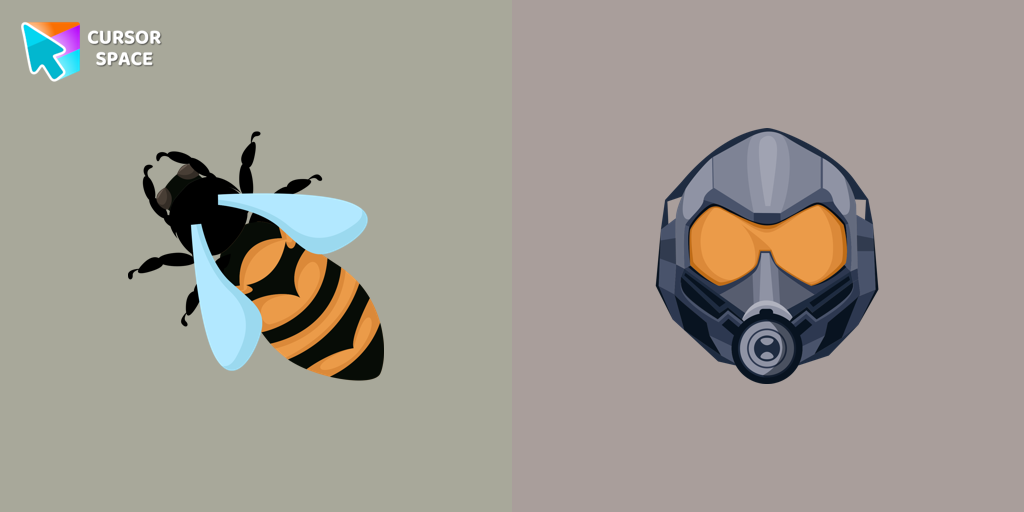 The Wasp cursorTransform your browsing experience with The Wasp custom cursor for Google Chrome. Navigate with agility like the superhero herself from the Marvel Comics collection.
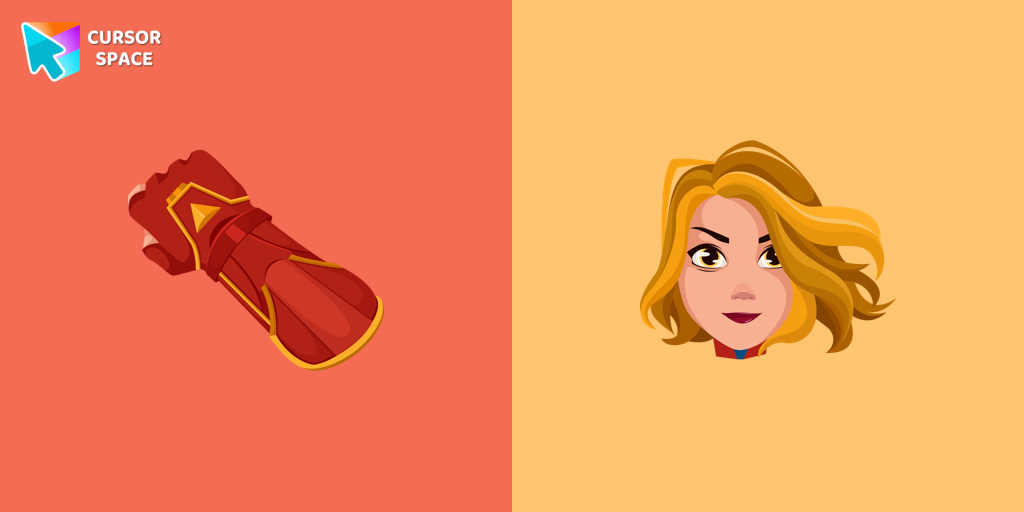 Captain Marvel cursorTransform your browsing with a custom cursor for Google Chrome inspired by Captain Marvel. Embrace the power of this superhero with a unique cursor design.
 Drax the Destroyer cursorTransform your browsing with the Drax the Destroyer custom cursor for Google Chrome. Experience intense animations and the fierce spirit of this Marvel hero.
 War Machine cursorTransform your browsing experience with the War Machine custom cursor for Google Chrome. Featuring the powerful Marvel hero, it adds strength and style to your screen.
 Ant-Man cursorThe Ant-Man custom cursor for Google Chrome brings the Marvel hero's size-shifting powers to your screen. Fun, playful, and unique for fans of the character.
 Falcon cursorTransform your browsing experience with the Falcon custom cursor for Google Chrome. Soar through the web with this dynamic and heroic design.
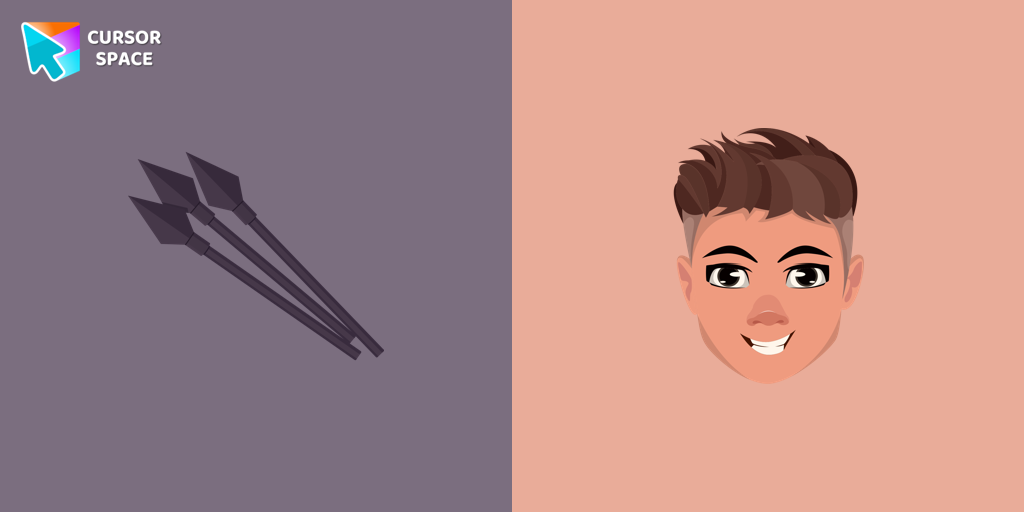 Hawkeye cursorThe Hawkeye custom cursor for Google Chrome offers precision and sleek design. Experience the agility and accuracy of Hawkeye with this unique cursor.
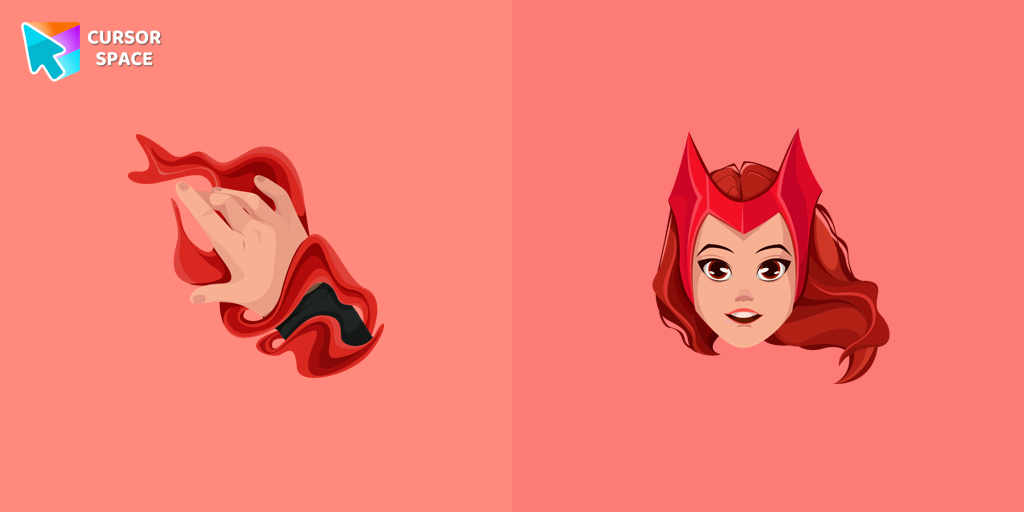 Wanda cursorTransform your browsing experience with the Wanda custom cursor for Google Chrome. Featuring the powerful Wanda Maximoff, this magical cursor adds enchantment to your screen
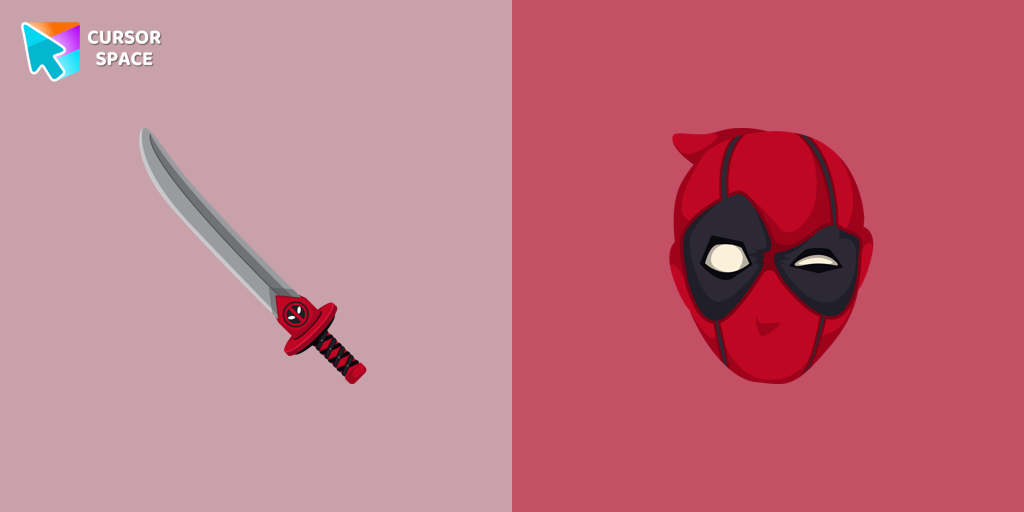 Deadpool cursorTransform your browsing with Deadpool's custom cursor for Google Chrome. This unique, cute mouse and pointer cursor adds style and fun to your screen.
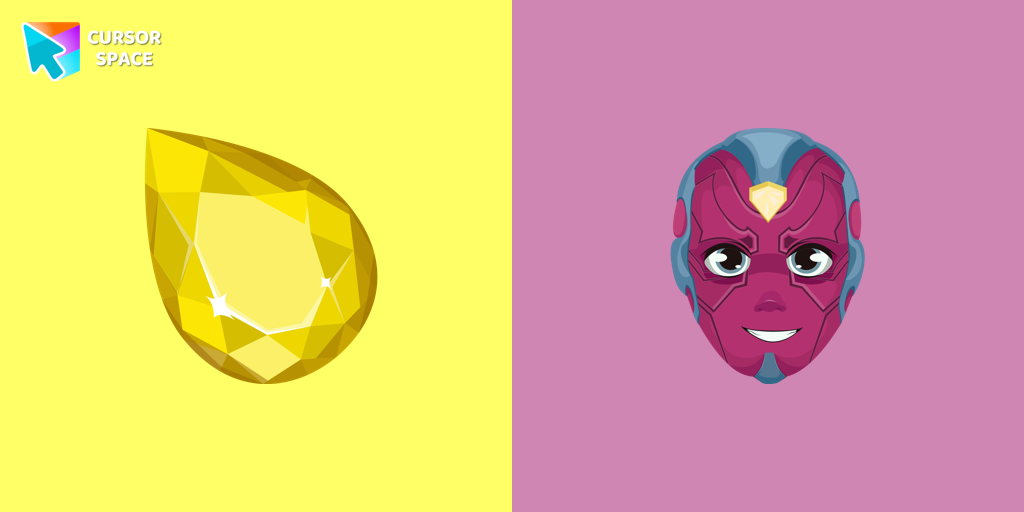 Vision cursorEnhance your browsing with the Vision custom cursor for Google Chrome. Featuring the sleek android from the Marvel universe, it adds sophistication and allure
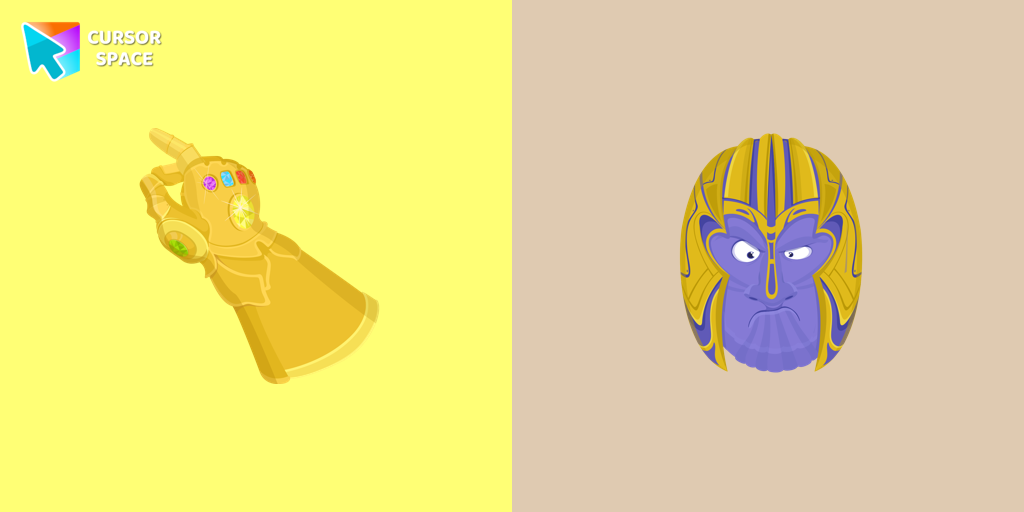 Thanos cursorThe Thanos custom cursor for Google Chrome brings the power of the Mad Titan to your screen. Embrace strength and cosmic animations with this unique design.
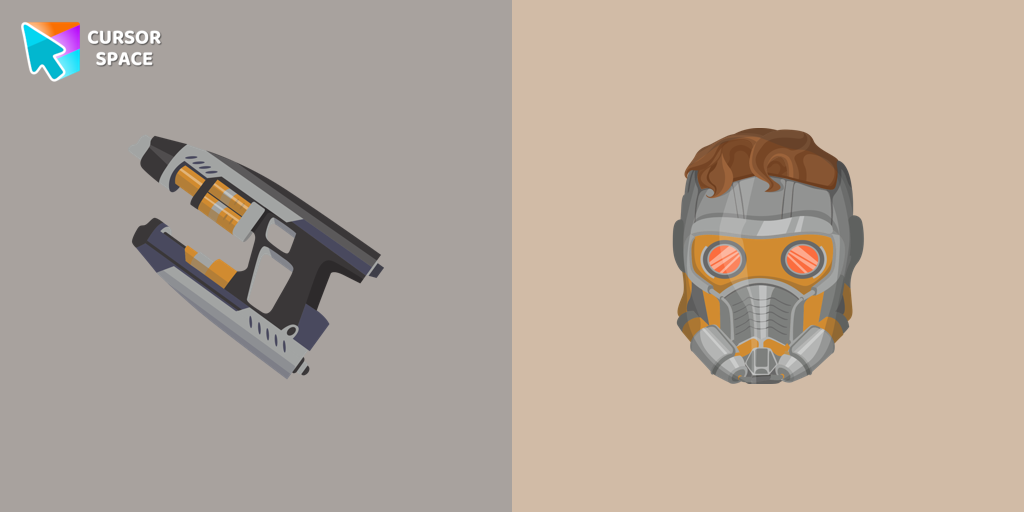 Star-Lord cursorThe Star-Lord custom cursor for Google Chrome adds a stylish and adventurous touch to your browsing experience, perfect for Guardians of the Galaxy fans.
Explore cursor packs by style
Cursor Space packs include curated cursor sets for everyday browsing: cute, minimal, anime, neon, pixel art, and more. Each pack comes with multiple cursor states (like default and pointer) and can be added to your browser in seconds.
Trending now
Fresh picks based on what people install most often.
Collections
Browse themed sets grouped by vibe and aesthetic.
Top charts
See weekly, monthly, and all-time leaders.
How to install a cursor pack
- Open any pack from the grid above.
- Click the install / add button on the pack page.
- If you don’t have it yet, install the Cursor Space browser extension.
- Apply the pack in the extension and enjoy your new cursor.
FAQ
Quick answers to common questions about cursor packs, collections, and installation.
Are cursor packs free on Cursor Space?
Most cursor packs on Cursor Space are free to browse and install. Some packs may be marked premium depending on licensing. The Cursor Space browser extension is free to install from the Chrome Web Store.
Do cursor packs work on Chrome and Edge?
Yes. Install the Cursor Space extension for Chromium-based browsers (Chrome, Edge, Brave), open a pack page, and click install/apply. The extension applies the cursor set across your browser.
How do I install a custom cursor pack?
Open the pack page, click the install or add button, install the Cursor Space extension if prompted, then apply the pack from the extension popup. Your new cursor appears immediately.
Can I change or remove a custom cursor later?
Yes. Open the Cursor Space extension, choose another pack, or restore the default system cursor from the extension settings.
Is the Cursor Space extension safe?
Cursor Space is distributed via the Chrome Web Store and Edge Add-ons. Keep the extension updated, and only install packs from trusted catalog pages on this site.